Bring your own agent to Positron with the Positron MCP
Positron 2026.10 adds an experimental Model Context Protocol server enabling Claude Code and Codex to view datasets and execute console code inside the IDE.
By Dillip Chowdary • Nov 07, 2026 • Source: opensource.posit.co
Posit released an experimental Model Context Protocol server in its Positron 2026.10 update, enabling developers to link external coding assistants directly to their data science workspace. According to opensource.posit.co's report written by Jonathan McPherson on November 4, 2026, the server allows external agents to inspect live datasets, examine plots, and run code in interactive consoles alongside the user. Rather than restricting users to Posit Assistant, the release establishes an open standard interface for third-party command-line utilities and editor extensions.
This report details the architectural mechanics, configuration commands, supported agent harnesses, security implications, and operational constraints of the new Positron server. The analysis is prepared for data engineers, statisticians, and Python and R developers who utilize third-party coding agents but require active workspace state. Readers will find practical guidance for enabling project-level servers, configuring command-line or extension tools, and managing security boundaries when granting automated systems interactive console execution privileges under local operating system credentials.
Own agent to Positron with the Positron MCP: what actually changed
Before Positron 2026.10, developers could install external agent extensions like Claude Code or Codex, but those tools lacked visibility into the development environment. Third-party agents functioned as though running in a plain terminal, blind to active data frames, live charts, and workspace context. When an agent evaluated R or Python code, it ran background shell commands invisibly instead of interactive consoles. Users had to copy and paste data summaries, errors, and stack traces manually into prompts to provide the external assistant with troubleshooting context.
The experimental Model Context Protocol server changes this by exposing internal IDE tools over an open connection standard. External agents can now see loaded datasets, answer contextual questions, inspect live R and Python consoles, and view generated plots to help refine visual charts. Commands executed by the agent appear in the Console pane labeled with the specific agent name. This integration allows data scientists to hand work back and forth with an agent while monitoring execution in real time without manual copying.
Own agent to Positron with the Positron MCP: how it works
Activating the server requires enabling the setting labeled MCP: Enabled in Positron preferences. Once enabled, the IDE exposes an MCP server that any compatible agent harness can reach using standard protocols. Users configure their agent by running the command palette entry Positron MCP: Add to Coding Agent. If an agent is not automatically recognized, developers can select Positron MCP: Show Connected Agents and click the Copy Connection Details option to obtain the endpoint parameters required to complete manual client configuration.
Positron MCP servers run on a per-project basis, meaning the IDE automatically initializes and manages a dedicated server for each active project window. Windows opened without an active project or folder do not currently run an MCP instance. Developers do not need to manage connection processes manually. Enabling the MCP Status Bar setting adds an interface icon showing connected tools on hover, while explicitly instructing an agent to use the Positron MCP in prompts ensures it invokes the relevant IDE tools.
Advertisement
Tech Pulse Daily
Get tomorrow's pulse first
Join engineers who read Tech Pulse before stand-up. Free, weekday mornings.
Own agent to Positron with the Positron MCP: why it matters
The protocol integration reinforces Posit's stated commitment to avoiding vendor lock-in across statistical computing environments. While the company provides Posit Assistant for data science, many organizations maintain separate enterprise accounts, such as Claude Enterprise subscriptions, that supply prepaid token quotas not accessible inside Assistant. By supporting open protocols, Posit allows teams to leverage models their companies already fund. This flexibility ensures developers can adopt specialized agent interfaces and preferred model providers without abandoning the interactive inspection surfaces of their primary data science editor.
The release also bridges the gap between terminal coding agents and interactive analytical workflows. General programming agents typically alter files on disk, but data analysis requires inspecting live runtime objects, diagnosing console errors, and evaluating graphical outputs. Exposing console execution and plot inspection directly to connected agents preserves the exploratory feedback loop essential to R and Python analysis. Posit is also exploring ways to incorporate external agent engines via official SDKs into the model picker while retaining Assistant's native interface and permissions.
Own agent to Positron with the Positron MCP: who is affected
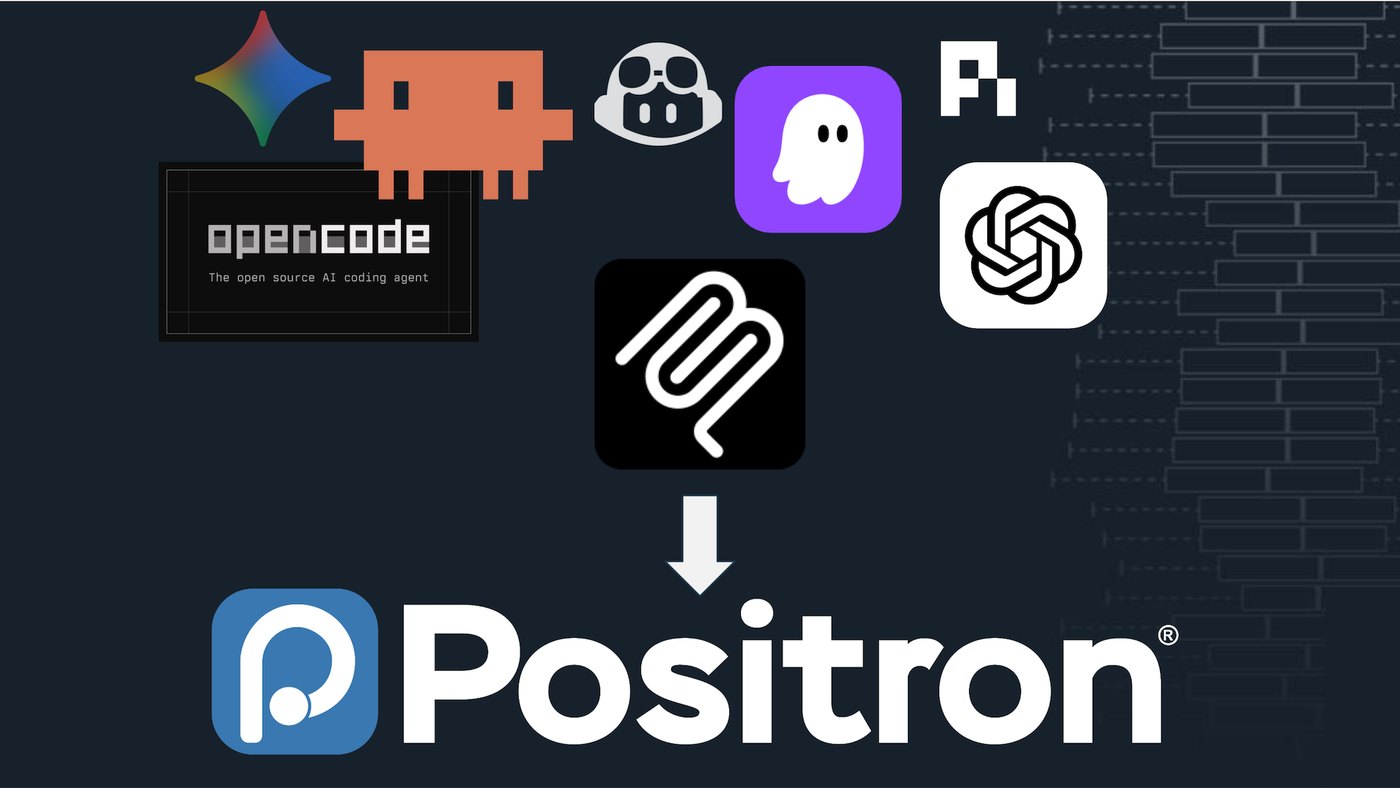
The update affects data teams using a wide variety of third-party agent harnesses across terminal and extension environments. Posit tested the MCP server with Claude Code across extension and CLI formats, Codex across extension and CLI formats, OpenCode, Kiro, Gemini, and Copilot CLI. Developers who prefer external agent interfaces can now interact with their customary tools while accessing Positron workspace context. Teams gain the ability to run their preferred agent CLI alongside active editor panes rather than switching between windows.
Engineers and administrators must also evaluate the security posture introduced by opening execution tools to automated systems. The Positron MCP executes arbitrary code inside active R and Python consoles under local user credentials, making it functionally equivalent to granting unrestricted shell access. Enabling the feature delegates security decisions to the agent harness itself. Because some coding agents prompt for confirmation before executing hazardous operations while others do not, practitioners must verify their agent's permission policies and trust configuration before enabling integration.
Own agent to Positron with the Positron MCP: what to watch
Practitioners should monitor future updates regarding project handling and standalone editor capabilities. The initial 2026.10 release restricts MCP servers to defined projects, preventing standalone script files opened without a parent folder from accessing agent tools. Posit is collecting feedback on its discussion forum regarding onboarding difficulties, configuration hurdles, and missing feature capabilities. Developers should track whether future builds simplify agent discovery and expand contextual inspection tools to include broader session metadata, environment variable tracking, or integrated package dependency management.
Another key area to watch is Posit's planned exploration of official SDK integrations for third-party agent engines. The company indicated it is investigating methods to bring external models like Claude, Copilot, or Codex directly into the Posit Assistant model picker interface. If implemented, data scientists could combine external model subscriptions with Assistant's integrated permission controls and cost-efficient token caching. In the meantime, teams should observe how reliably third-party agents interpret loaded data frames without requiring manual prompt intervention.
Developer Action Items
- ☐ Diff the official changelog for Claude / Windows / Codex before you bump — APIs, defaults, and removed flags only.
- ☐ Install through the vendor's documented channel in staging; keep a one-command rollback and time-box the canary.
- ☐ Grep your repo for old flag names, lockfile pins, and plugin versions that the notes mark as breaking.
- ☐ Prefer the first patch cut over the day-zero tag unless you have a reason to be on the leading edge.
- ☐ If HN AI Agents did not name a region, plan, or SKU, screenshot the official availability line before you promise it to users.
Own agent to Positron with the Positron MCP FAQ
What is the Positron MCP server in version 2026.10?
It is an experimental Model Context Protocol server that allows external AI agents to view loaded data, examine plots, and run code in interactive R and Python consoles within Positron.
Which third-party coding agents work with Positron MCP?
Posit has tested the integration with Claude Code, Codex, OpenCode, Kiro, Gemini, and Copilot CLI across both extension and terminal command-line interfaces.
How do you enable and configure the Positron MCP server?
Users turn on the MCP: Enabled setting in preferences, then run the Positron MCP: Add to Coding Agent command to configure their agent automatically. If an agent is not listed, the Copy Connection Details command provides the necessary parameters.
What are the security risks of connecting an external agent to Positron?
The MCP server executes code inside user consoles under local operating system credentials, which is equivalent to granting unrestricted shell access. Security depends on the agent harness, so users must verify their agent prompts for confirmation before dangerous actions.
Sources

Author
Dillip Chowdary
Writes Tech Bytes coverage of AI, engineering, and the tools that actually ship. Editor of Tech Pulse Daily.
Related on Tech Bytes
Advertisement